A hidden admin URL is not a security boundary.
The quiet essentials of a safer website: server-side checks, careful sessions, updates, and recoverable data.

A login screen can look convincing while protecting very little. If the password is in the JavaScript sent to visitors, it is available to visitors. If access is controlled by a browser-storage flag, the visitor can change that flag.
A hidden URL may reduce casual discovery. It does not decide who is allowed to edit a website.
Put the decision on the server
Every protected operation should check an authenticated session. Reading drafts, publishing an article, uploading media, and deleting content all need that check, even if the interface already hides their buttons.
Store password hashes using an appropriate password-hashing function. Use unpredictable session tokens, expire them, and invalidate them on logout or a credential reset.
Protect the browser boundary
Session cookies should be HttpOnly and Secure over HTTPS, with a suitable SameSite policy. State-changing requests need cross-site request protection. A content security policy and safe rendering help reduce the damage an injected script could cause.
Rate limits slow automated guessing. They should complement authentication, rather than replace it.
Keep content boring to render
An article should not be able to execute arbitrary code in a reader's browser. Markdown can be useful, but rendering rules still matter. Treat uploaded files as untrusted, check their type and size, and store them away from executable application paths.
Plan for recovery
Updates, logging, backups, and a restore procedure are ordinary maintenance tasks. They become very important on the day something goes wrong.
Test recovery with a copy of the data. A backup file that has never been restored is an assumption, not yet a dependable plan.
Security is a collection of concrete controls and regular care. A reassuring badge or a disabled right-click menu cannot do that work.
Keep exploring
Another thought or two.
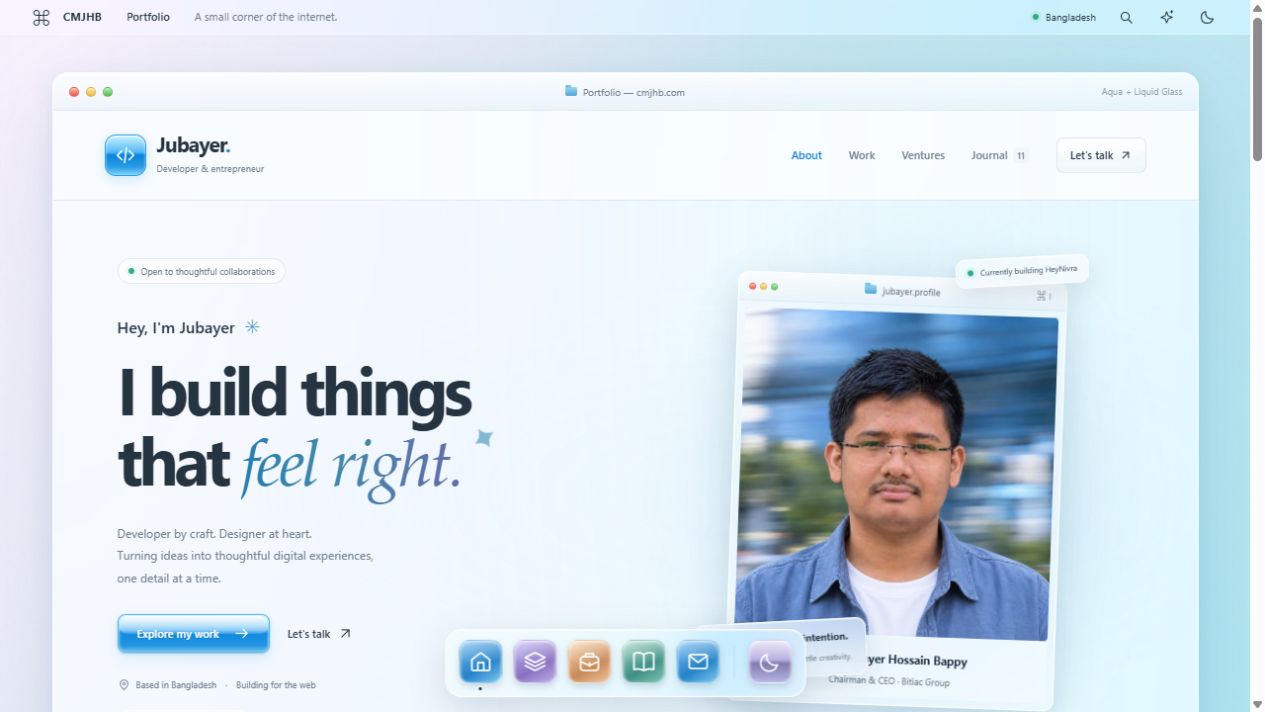
Less noise. More glass.
A little Aqua nostalgia. A little light through glass. I rebuilt my corner of the internet to feel softer, simpler, and more like me.
Good architecture starts with fewer moving parts.
A practical way to think about systems: start with the problem, keep the boundaries clear, and earn the complexity.
Before you add another WooCommerce plugin, measure.
Slow shops rarely need another mystery fix. They need a clear diagnosis, careful changes, and a checkout that still works.