Before you add another WooCommerce plugin, measure.
Slow shops rarely need another mystery fix. They need a clear diagnosis, careful changes, and a checkout that still works.

A slow shop is frustrating in a very ordinary way: someone wants to buy a product, and the website keeps getting in the way.
It is tempting to install a performance plugin and hope for the best. I prefer to find out where the time goes first. The product page, search results, cart, and checkout have different needs, so one score does not tell the whole story.
Start with a baseline
Choose a handful of representative pages and record their behaviour on mobile. Look at response time, image weight, database queries, and third-party scripts. Repeat the same checks after each meaningful change.
Test while signed out and while using a cart. A cached product page can feel quick even when the buying journey is slow.
Change one layer at a time
Images are often a good first step. Serve a size that suits the layout, use an appropriate modern format, and reserve image dimensions to avoid layout jumps. Do not lazy-load the main image people see immediately.
Next, look for unnecessary scripts and expensive queries. An object cache may help repeated database work, but it cannot make an inefficient query well designed. High-Performance Order Storage is worth evaluating for order handling; check extension compatibility and migrate through a tested staging process.
Treat the cart differently
Personalised pages need deliberate cache exclusions. Accidentally serving one customer's cart to another is a much bigger problem than a slightly slower page.
Test these flows after any caching change:
- Add a simple and a variable product.
- Change quantity and remove an item.
- Apply a coupon and calculate delivery.
- Complete a test payment and check the order record.
- Repeat in another browser session.
Keep the improvement you can explain
A useful optimisation has a reason, a measurement, and a way to roll it back. Keep notes about what changed. Avoid promising a particular performance score before checking the actual catalogue, hosting, and extensions.
The aim is not a perfect number on a report. It is a shop where browsing feels comfortable and buying feels dependable.
Keep exploring
Another thought or two.
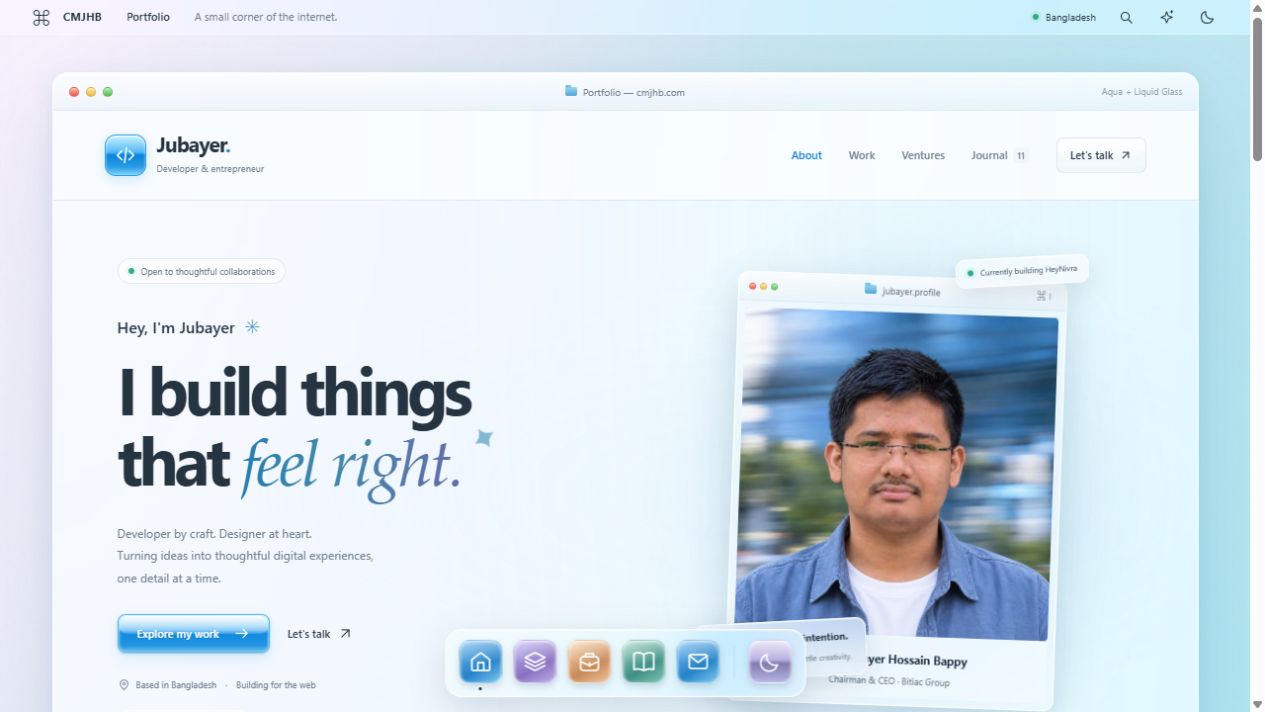
Less noise. More glass.
A little Aqua nostalgia. A little light through glass. I rebuilt my corner of the internet to feel softer, simpler, and more like me.
Good architecture starts with fewer moving parts.
A practical way to think about systems: start with the problem, keep the boundaries clear, and earn the complexity.
What 100+ client projects taught me about clarity.
Good work needs more than good code. Scope, communication, and a useful handover deserve just as much care.