Using AI in a workflow without handing it the steering wheel.
Where AI can help with development, and where a human still needs to make the call.

AI tools can be useful when the task is bounded and the result can be checked. They become much less useful when a confident answer is mistaken for a verified one.
In a development workflow, I think of AI as a way to explore and draft. Responsibility for the final change stays with the person shipping it.
Give it a small, concrete task
“Improve this website” leaves a lot of room for guessing. “Explain why this form loses its values after a failed request” gives the tool a problem that can be investigated.
Useful context includes the relevant code, expected behaviour, actual behaviour, and constraints. More context is not always better: unrelated files can hide the part that matters.
Review the parts that look routine
Generated code can miss authorisation checks, mishandle an empty result, or assume an API behaves differently from its documentation. Those mistakes often sit inside otherwise tidy code.
Read the change. Verify the relevant documentation. Run a test that would fail if the original problem returned. Do not accept a test that merely repeats the implementation in different words.
Keep private material private
Customer records, production credentials, and unpublished business information deserve deliberate handling. Use redacted examples when the real data is unnecessary. Check the tool's data controls before bringing private material into a workflow.
Design AI features for uncertainty
If AI is part of a product, users need a useful way to recover from a wrong answer. Let them edit a draft, inspect a source where appropriate, or request human review. Set timeouts and spending limits so a failed request does not become an endless bill.
AI is most helpful when it reduces friction in a process that is already understood. I want the person using the product to stay in control, even when the tool is doing a lot of work behind the scenes.
Keep exploring
Another thought or two.
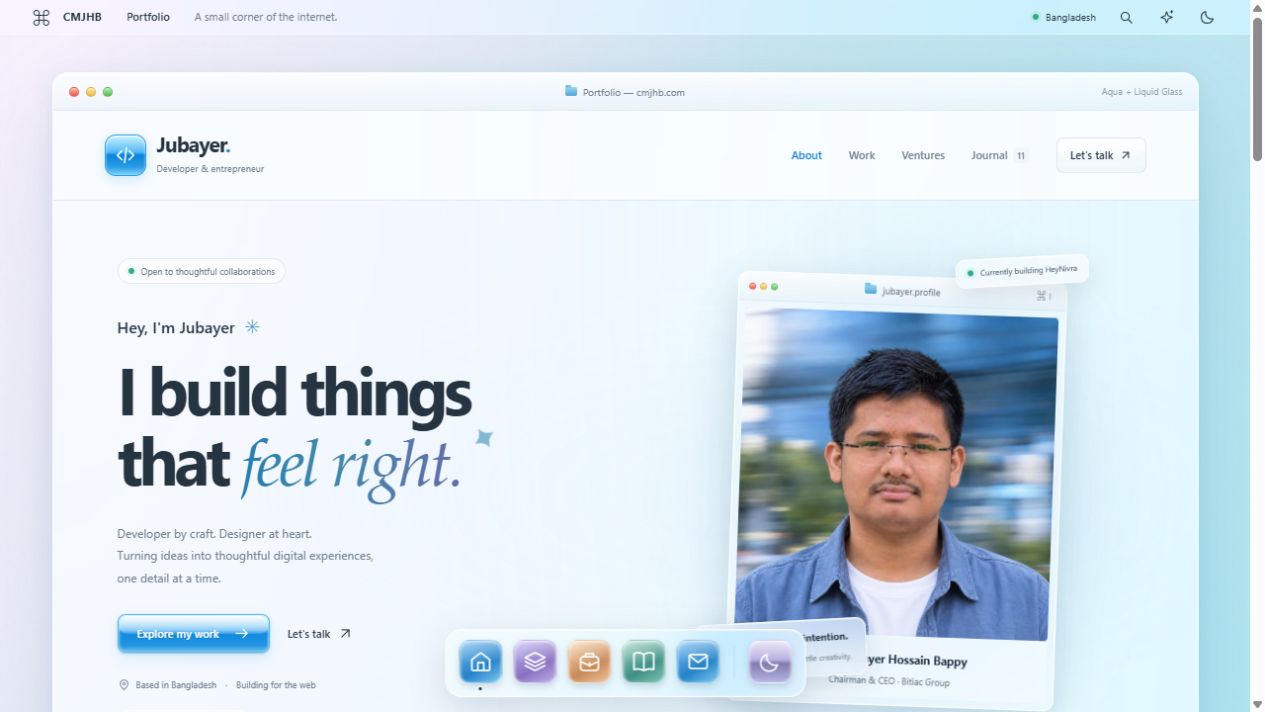
Less noise. More glass.
A little Aqua nostalgia. A little light through glass. I rebuilt my corner of the internet to feel softer, simpler, and more like me.
Good architecture starts with fewer moving parts.
A practical way to think about systems: start with the problem, keep the boundaries clear, and earn the complexity.
Before you add another WooCommerce plugin, measure.
Slow shops rarely need another mystery fix. They need a clear diagnosis, careful changes, and a checkout that still works.